WCAG Color Contrast Checker
Check color contrast ratios for WCAG AA and AAA accessibility compliance.
Large Text Preview
Normal text preview — this is body copy at the standard 16px size for readability testing.
Small text — 12px for fine print and captions.
Contrast Ratio
17.06:1
Overall Grade
AAA
| WCAG Level | Required | Status |
|---|---|---|
| AA Normal Text | 4.5:1 | ✓ Pass |
| AA Large Text | 3:1 | ✓ Pass |
| AAA Normal Text | 7:1 | ✓ Pass |
| AAA Large Text | 4.5:1 | ✓ Pass |
WCAG 2.1 contrast requirements: AA needs 4.5:1 for normal text and 3:1 for large text (18pt+ or 14pt+ bold). AAA needs 7:1 normal and 4.5:1 large.
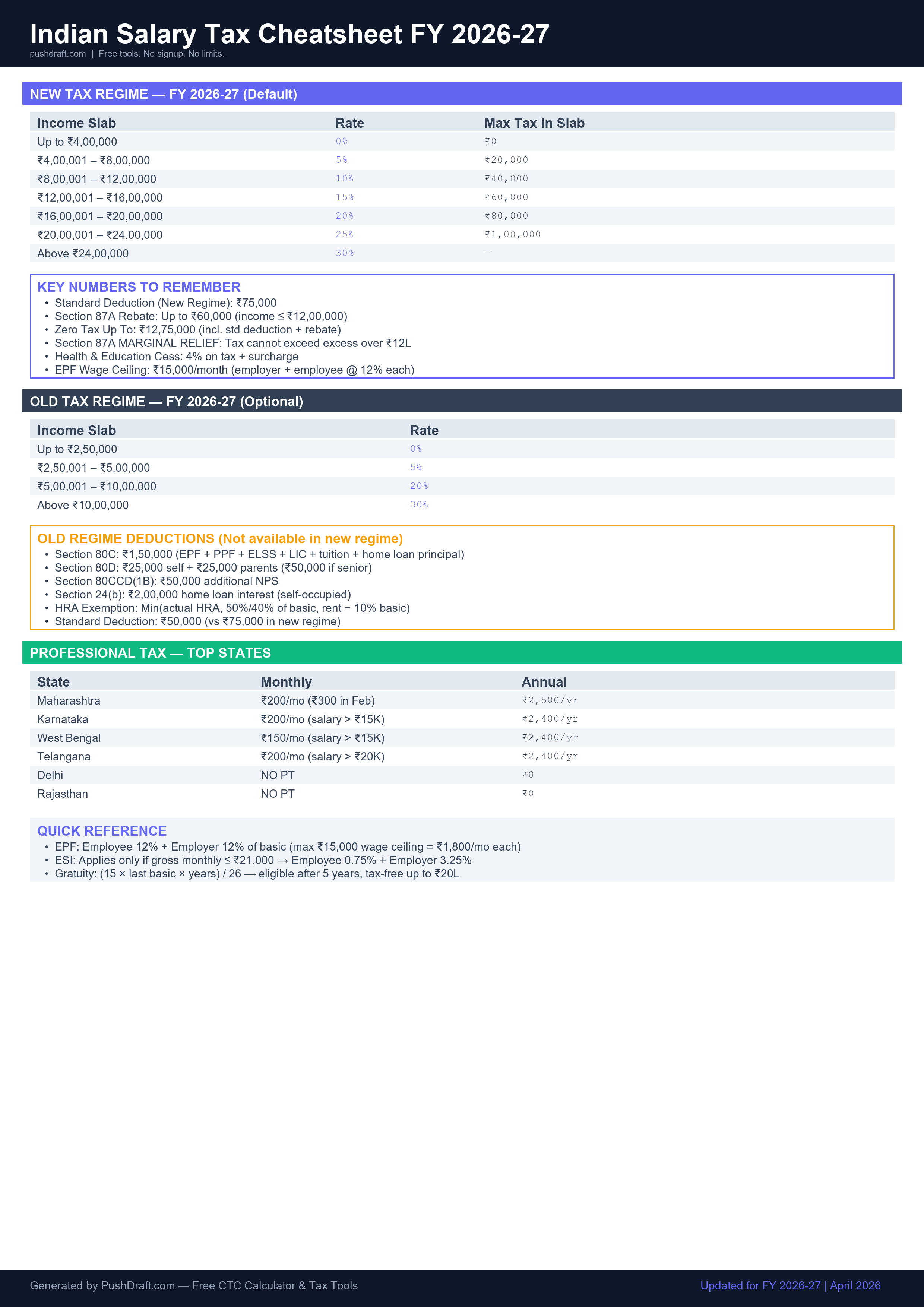
Free: Indian Salary Tax Cheatsheet 2026-27
New regime slabs, old regime deductions, PT by state — one page, print-ready.
How to Use Color Contrast Checker
-
Pick foreground
Choose the text color.
-
Pick background
Choose the background color.
-
See compliance
AA, AAA pass/fail for normal and large text.
Related Tools
Frequently Asked Questions
What is the WCAG AA standard?
WCAG AA requires a contrast ratio of at least 4.5:1 for normal text and 3:1 for large text (18pt+ or 14pt+ bold). AAA is stricter: 7:1 normal, 4.5:1 large.
PushDraft Weekly
Get weekly developer tips and new tools. Free, no spam, unsubscribe anytime.